Changelog

Follow new updates and improvements to FundAnalyser.

Upload status tooltips for admins

This is an IA admin only feature. For non-admins, please refer to the Upload History for a use-friendly breakdown of status logs and error messages.
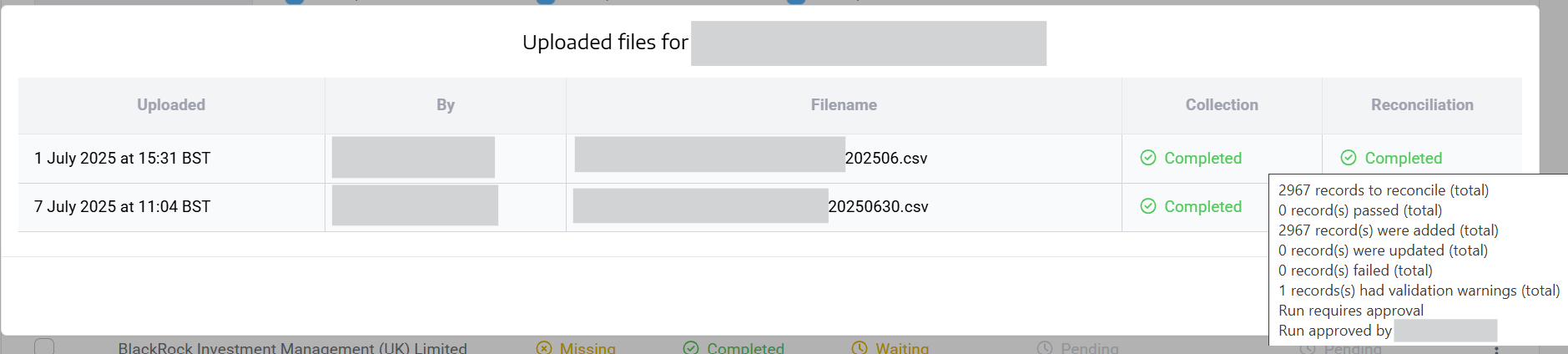
When opening up the Upload Status dialog from the Industry Report Dashboard, tooltips will open up when you hover over the collection and reconciliation statuses, showing you the datasource and reconciliation log without having to navigate to the corresponding datasource and reconciliation history pages.

This will help IA admins quickly investigate upload issues and speed up resolution of member queries.

New

Raw data download

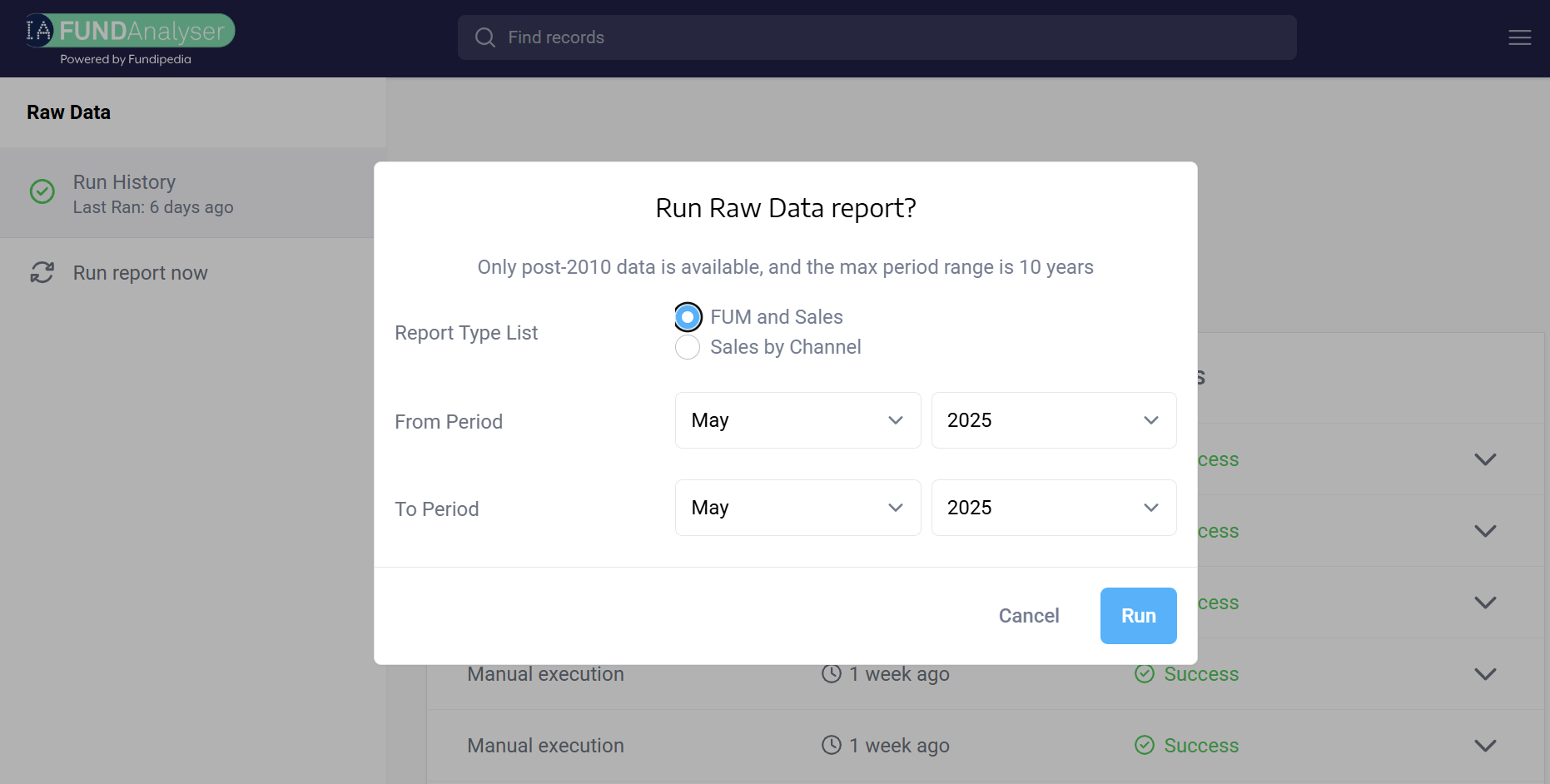
We have added a new functionality that matches what was in the past available on EchoWeb. This outputs the Industry-wide data in a flat file format, with two options:

FUM and Sales raw data example:

Sales by channel example:

Please note that only data from Jan 2010 onwards is available, and only a maximum of 10 years’ worth of data can be exported at a time.

Currently, this new feature is available to admins only, but we will shortly open up access to all IA members. In the meantime, please feel free to get in touch with the IA at fundanalyser@theia.org should you need a copy of the raw data.

New

Page size options

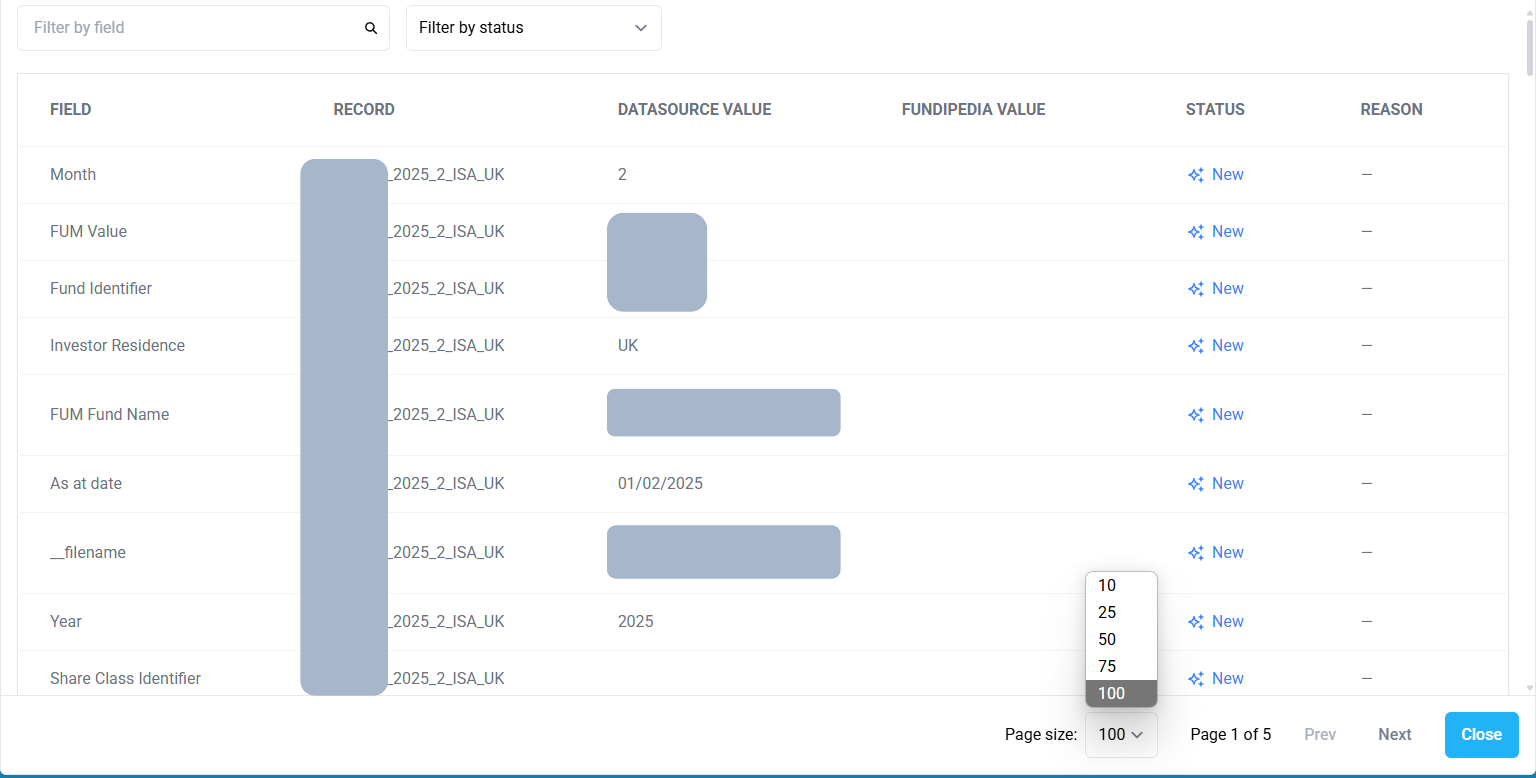
Following our work to add page size options to reconciliation output dialogs, we have extended the feature to Upload History as well as Industry Report Dashboard.

For example:

There are 5 display options for the page size: 10, 25, 50, 75 and 100 rows per page. We hope this, combined with the filtering options at the top, will make it easier to investigate data issues than before.

New

Earlier updates